Arista CloudVision — an engineer's perspective
I’ve been using Arista CloudVision since ~2020. The feature that got my attention was the telemetry and replay. The thing that actually changed how I operate networks was the configuration inheritance model and how you construct the containers.
In my view, EOS is the only NOS where the vendor’s software philosophy and your operational priorities genuinely align. CloudVision enhances EOS and allows you to get more from your estate.
A picture from Arista Innovate 2024: 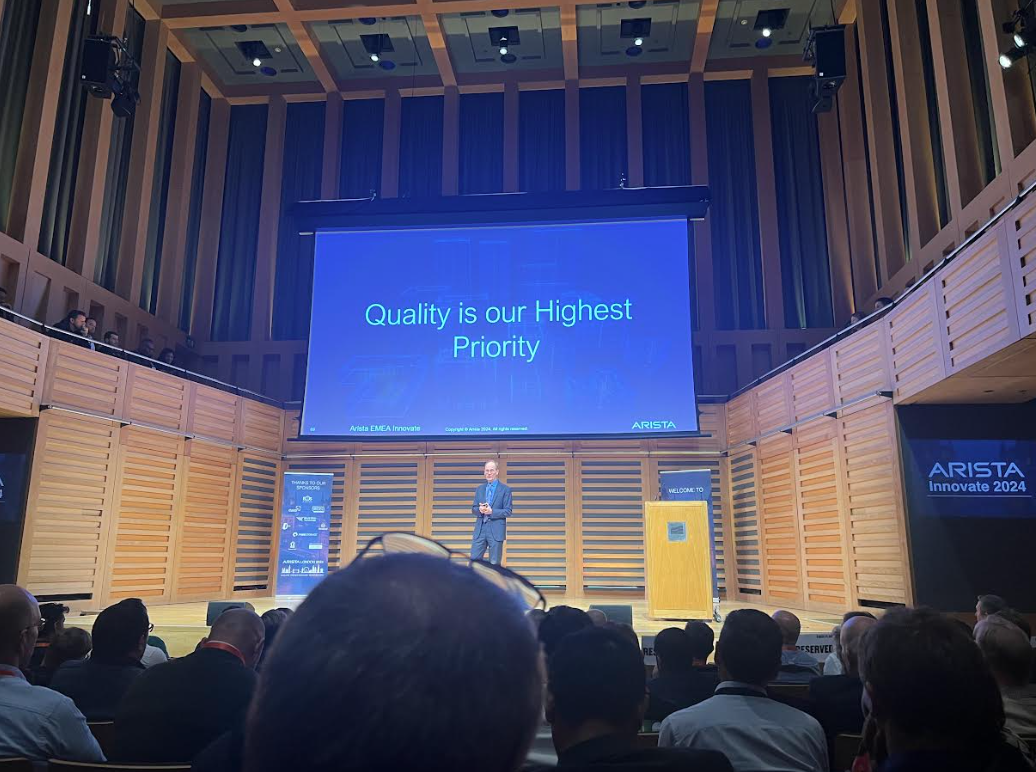
TerminAttr
TerminAttr is an agent that runs on each switch and streams its state over gNMI. It is how CloudVision operates and is the source of the Network DataLake (NetDL).
TerminAttr opens a new management-plane to each device. It can also be configured to run within a VRF or via a web proxy.
Configuration
The most approachable path to consistent state I’ve found — done correctly, it forces you to standardise which is always the biggest hurdle when automating anything.
It is syntax aware and Arista have invested heavily in Studios to provide a structured, guided path into the ecosystem. I’d still suggest that Static Configuration, the model that evolved from Configlets, provides the most value day-to-day. Studios introduces abstraction that works well for greenfield deployments.
CloudVision, via TerminAttr, applies the full designed state of the configuration through a configuration session. This is particularly advantageous because of the 4 minute auto-rollback built into every CloudVision push, this prevents a change that disrupts the management connection from causing a genuine outage.
Telemetry
The granular telemetry and replay-ability of CloudVision is the most impressive feature: the to-the-millisecond accuracy of switch metrics, from CPU, interface counters, ARP table, BGP updates, microburst detection with LANZ, everything. It also stores the device inventory: PSUs, fans and optics/peripherals.
This is what Arista mean by NetDL. The breadth of data available in a single pane is something I haven’t seen matched.
Compliance
CloudVision expects to orchestrate configuration based on Designed vs Running. Designed is the intended state, which put simply is what CloudVision expects the device to have. Running is the actual state on the device. CloudVision surfaces the diff and tracks compliance across your estate.
Image compliance works in exactly the same way.
CVE and Bug exposure has to be mentioned here too. CloudVision can be connected to Arista and can pull down CVEs/Bugs as they are disclosed. CloudVision then runs them over your estate and advises where you are exposed, not only by hardware or software version, but by your running configuration. If there’s a bug with BGP and you’re not running it, you’re not exposed to the bug.
Configuration inheritance: how to structure it
Where CloudVision earns its keep is in how you structure the configuration model, and that is almost entirely down to the decisions you make early on.
As a starting point, think of your device configurations and what each of them share globally, by site, by type, by model - this is a clean way to distill what is genuinely unique to each device.
The approach that has worked for me: organise devices by type or role rather than building topology-first. In practice this means grouping by hardware model, the front panel is identical, so the config that describes it is too. If needed, split further by use, eg. LEAF and LEAF-100G to separate general purpose from storage. In CloudVision, this provides a clean break in the inheritance structure and isolates what is truly unique.
For context: this hierarchy held up across 600+ switches across two roles.
A lot of this value is gained from having one standardised item: the management interface. If you manage everything with a Loopback, SVI or Management interface, whatever works for you, but for the intention of this automation breakdown, it will make your life so much easier and there is less configuration to define.
This means you would end up with something like this:
- Global
- Site
- Environment (optional, merge with site if possible)
- Device Type
- Pod/Rack
This allows you to ‘define one, apply many’, or Don’t Repeat Yourself.
To break this down for a LEAF or TOR pair within an eBGP routed fabric.
- Global - every device
- terminal length
- clock timezone
- vlan internal order assignment
- event monitor
- interface load-interval default
- default switchport mode
- default interface state (eg. shutdown)
- logging baseline (eg. microsecond logging)
- breakglass local credentials
- baseline ACLs (eg. monitoring/ssh hosts)
- spanning-tree mode and edge-port defaults
- Management VRF instance
- banner/MOTD
- Management timeouts
- Management security/ssh ciphers
- AAA
- DNS lookup source-interface
- DNS domains
- NTP local-interface
- SNMP local-interface
- SNMP configuration
- Logging source-interface
- sFlow source-interface
- TACACS+ source-interface
- Site/Environment - All devices within a site/environment
- DNS name-servers, in order of preference
- NTP servers, in order of preference
- Monitoring hosts (eg. SNMP, if they are unique per site)
- TACACS servers, in order of preference
- LANZ
- Device Type (LEAF) - All LEAF switches
- Spine uplink interfaces - based on the model
- Core MLAG configuration
- iBGP VLANs/SVIs
- PIM/IGMP
- Additional VRFs
- Prefix-Lists, Route-Maps and route policy
- hardware tcam profile (eg. vxlan-routing)
- VXLAN base configuration
- Pod/Rack (A01) - this config is bound to both LEAF switches
- Management default route (assuming a routed management fabric, eg. /26)
- VARP virtual mac address
- Shared Loopback
- VLANs
- SVIs and VARP gateways
- VXLAN VNI mapping
- Interface profiles
- Interfaces (with associated profile)
- BGP ASN
- Base configuration (eg. maximum-paths, graceful restart)
- Peer groups
- address-family as appropriate
- Network statements
- BGP neighbor peer groups
That leaves the per-device configuration — SW1 and SW2, which contain:
- Hostname
- Management IP
- Loopback IPs
- SVI IPs
- Interface IPs
- Interface descriptions
- BGP neighbor IPs (ideally tied to a peer group to avoid repeating)
- BGP neighbor descriptions
- SNMP sysLoc assuming you use the U position within a rack, useful for CoLo with smart hands availability
- MLAG A (SW1) or MLAG B (SW2)
Exceptions
Repetition is not always avoidable as CloudVision is syntax-aware, so as a primary example: router bgp <ASN> must be defined at both the Pod/Rack and device level — it cannot infer the ASN across inheritance layers.
CloudVision Closing Thoughts
As with everything in IT, there are trade offs. The approach above assumes you run only an Arista-based fabric and have the luxury of operating exclusively inside CloudVision. It also assumes you are not configuring your devices via a pipeline where the configuration building blocks have already been defined. CloudVision doesn’t need to replace these and can augment them, my points above are ways to maximise the CloudVision investment.
CloudVision does not stop you making mistakes. It is syntax aware and it allows for a clean rollback, but it doesn’t understand your network like you do. It still expects you to drive. For anyone operating a large scale Arista fabric, the question is not whether to use CloudVision but how quickly you can get the inheritance model working correctly. The telemetry is guaranteed to reduce your mean time to innocence.